Available for macOS
Your meetings, notes, and ideas — captured by AI
Record lectures, transcribe meetings, dictate thoughts. Whynote turns audio into structured notes, summaries, and action items — all on your Mac.
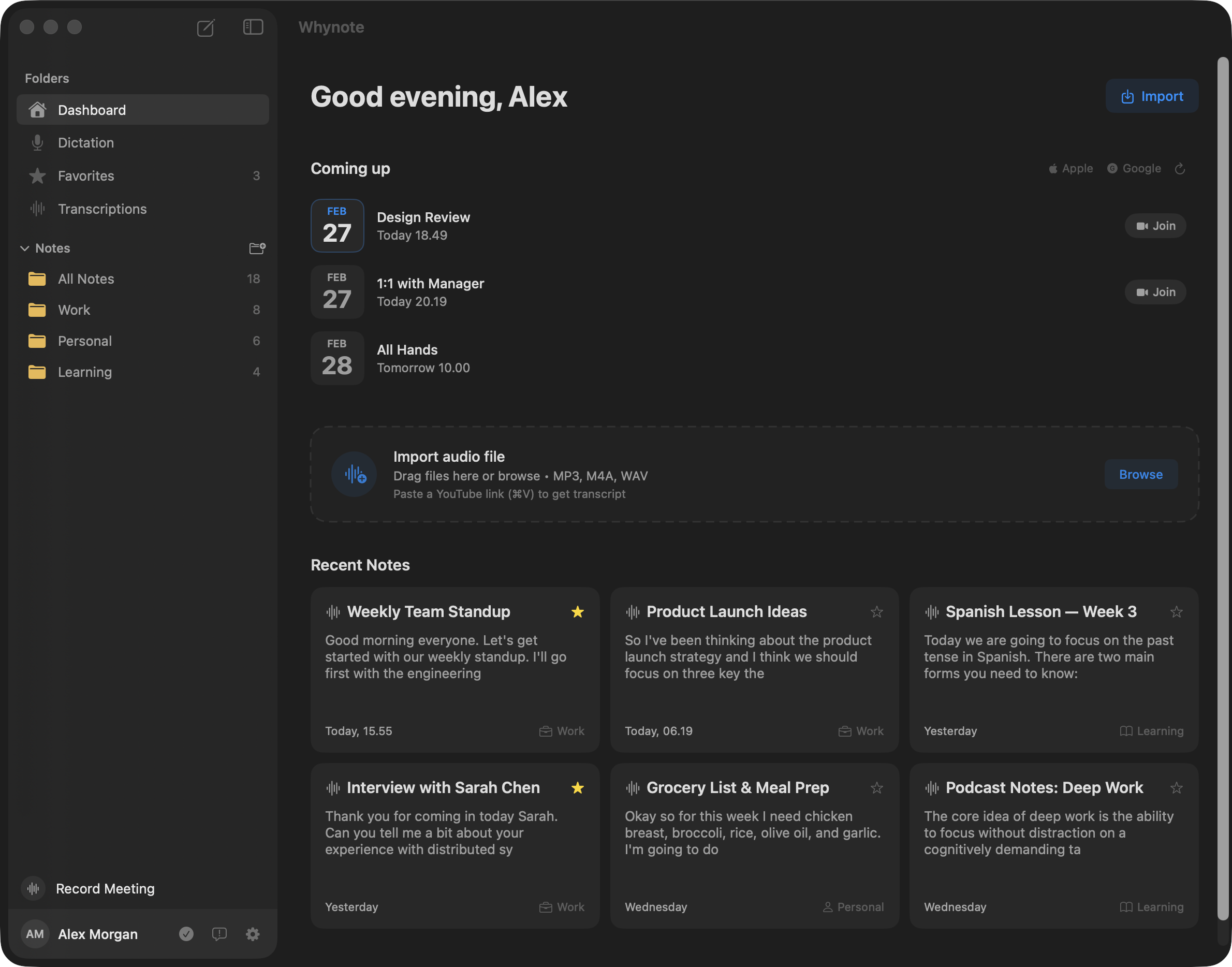
Record lectures, transcribe meetings, dictate thoughts. Whynote turns audio into structured notes, summaries, and action items — all on your Mac.
Capture microphone audio, system sound, or both simultaneously. Automatic speaker detection identifies who said what.
Get instant summaries, key points, and action items. Ask questions about your recordings and get precise, sourced answers.
Global hotkey to dictate anywhere on your Mac. Quick-tap to toggle, long-press for hold-to-speak. Custom auto-replace rules included.
Start recording with one click. Whynote captures system audio and your microphone, then transcribes and identifies each speaker automatically.
Whynote's AI reads your transcripts and notes, then generates summaries, extracts action items, and answers your questions with precise references.
Press your hotkey and start talking. Whynote captures your voice and inserts text wherever your cursor is — in any app, any field, any window.
The average person speaks 3× faster than they type. With Whynote, your voice becomes your most productive tool.
Choose between fast cloud transcription or fully private on-device mode with local ML models.
Run transcription in the cloud for speed, or fully on-device for privacy. Cloud sync keeps your notes safe across devices.
Record audio and take notes without an internet connection. Enable local models to also transcribe offline.
Whynote is an AI note-taking app for macOS that turns audio into structured notes, summaries, and action items. Built by 42apps LLC, it records meetings, transcribes lectures, and offers global voice dictation in any text field on your Mac.
Whynote provides live speech-to-text with speaker diarization, and you can choose between on-device transcription or cloud processing via the OpenAI GPT API for AI summaries and chat. When recording meetings, Whynote captures both system audio and your microphone simultaneously.
Whynote offers an on-device transcription option that keeps your audio entirely local, while the cloud option routes only what you choose through the OpenAI API. API credentials are stored securely in the macOS Keychain — full details are in the privacy policy at /privacy.
Yes — Whynote's on-device transcription works fully offline on macOS without an internet connection. Cloud-powered features like AI summaries and chat require connectivity to reach the OpenAI API.
Whynote is a system-wide dictation tool triggered by a global hotkey that works in any text field, paired with structured AI notes, full meeting recording, and ChatGPT-grade summaries. Apple Dictation, by contrast, is limited to short-form voice-to-text without recordings, summaries, or note organization.
Yes, both the Mac and iPhone versions of Whynote are free to download — $0 USD. The Mac app ships as a DMG from whynote.ai, and the iOS app is available on the App Store.
Download Whynote for free and turn every conversation into actionable notes.
Available for Mac and iPhone. Free to download.